Key takeaways
- Traditional knowledge systems fail at alarming rates - Knowledge management initiatives frequently fail to deliver expected value, mostly because the knowledge just sits there
- Claude Projects work differently - Instead of storing information for later search, Projects let you have conversations with your knowledge base
- Organization matters less than you think - Claude's large context window means it can work with messy documentation as long as the information exists
- Start with one focused project - Pick your most referenced documentation and move it to a Project, then expand as the team sees value
Shut down our Confluence workspace.
Archived Notion. Everything now lives in Claude Projects. The difference? When I need to know something, I ask. The knowledge answers back.
This isn’t another storage system. This is conversational knowledge that evolves through use. Projects turn documentation into an expert you can question, powered by Claude’s current models and their large context windows.
Why wikis fail your team
Enterprise Knowledge published a painful analysis of why knowledge management initiatives frequently fail to deliver expected value. Most knowledge systems never deliver what they promised. Which is nuts, when you think about it.
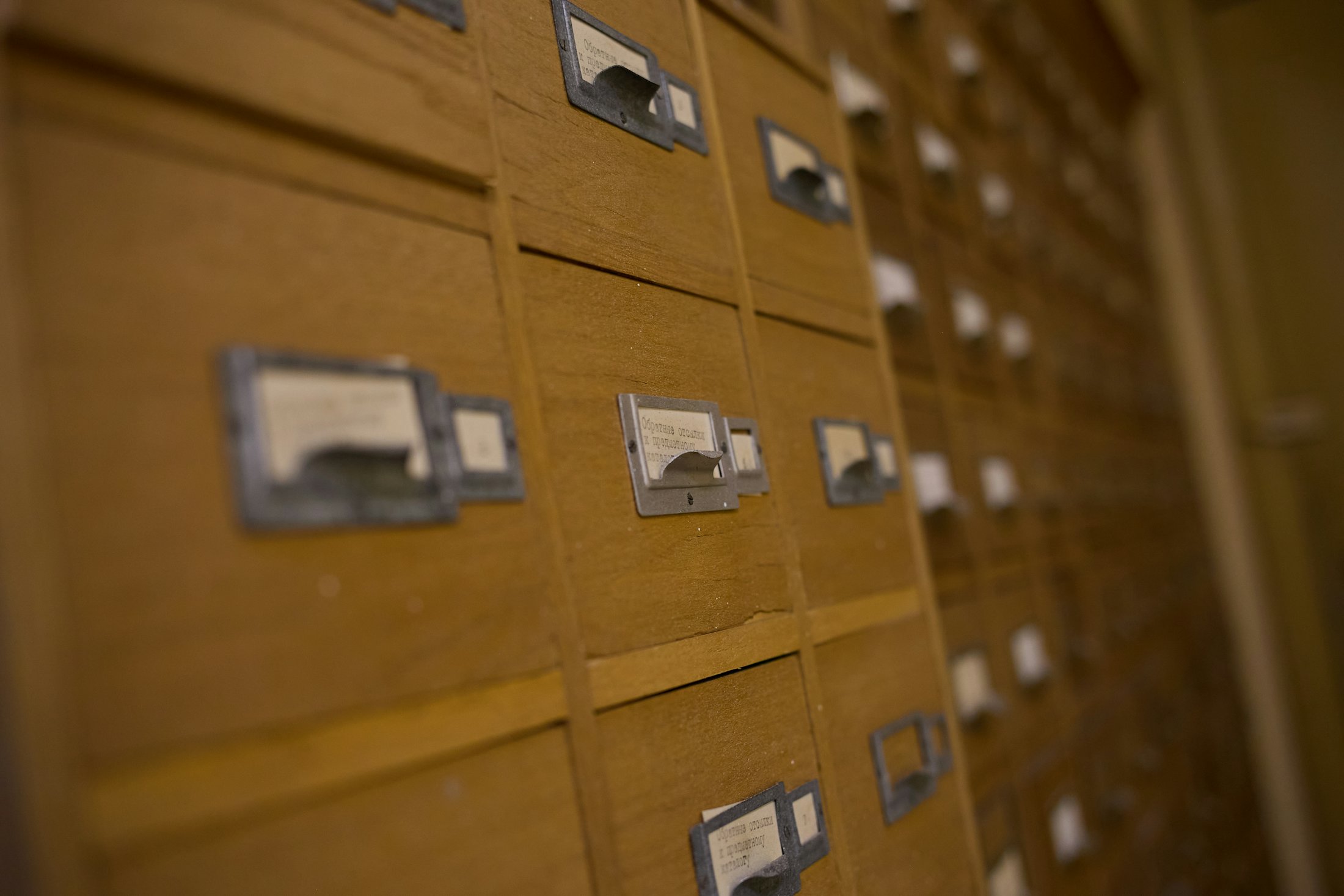
The problem? Simple. Traditional wikis and knowledge bases are graveyards. You dump information in, organize it carefully, maintain taxonomies, and then what? People search. They scroll. They give up and ask someone directly.
At Tallyfy, this played out for years, and it drove me crazy. Teams spend weeks building detailed documentation in Notion or Confluence. Six months later, the same questions keep appearing in Slack because searching feels harder than interrupting a colleague.
The core issue isn’t the information. It’s the interface. Static documentation requires users to hunt rather than ask. But humans are wired for conversation, not keyword search. And the maintenance burden piles on. Someone needs to keep pages current, remove outdated content, reorganize as the business changes. This rarely happens. Documentation degrades into rubbish. Can better search fix this? No. Understanding Claude’s extensions shows how Projects connect to the broader extension model.
How this actually works differently
Projects give Claude a large working memory. Current Claude models hold a 500,000-token context window on paid plans, roughly 1,250 pages, and when a Project’s knowledge outgrows that, retrieval kicks in automatically to expand it further. Upload your documentation once, and Claude can reference all of it in every conversation.
The shift is fundamental. Instead of “Where did we document the onboarding process?” you ask “What are the first three steps for onboarding a new client?” Claude answers using your actual documentation, pulling from multiple sources if needed.
This is active knowledge. It responds to questions. It connects related information you wouldn’t have thought to link. It adapts its explanations based on who’s asking.
What sold me: the knowledge improves through use. Every conversation where someone asks about a process or policy becomes a test of whether the documentation is clear. Gaps become obvious immediately. No more “check the wiki.” Just answers.
Need help making this real in your firm? That’s what Blue Sheen does.
Organizing projects without overthinking it
The instinct is to recreate your current folder structure in Projects. Resist this.
Giancarlo Mori suggests breaking knowledge into focused Projects based on how teams actually work, not theoretical organization charts. I use:
One Project per major business function. Sales playbook. Product documentation. Operations procedures. Customer success knowledge. Each gets its own Project with relevant team members.
Focused spaces over massive archives. Rather than one giant company wiki Project, create specific spaces. The sales team doesn’t need to wade through engineering specs to find pricing guidelines.
Custom instructions per Project. Tell Claude the perspective to take. The sales Project has instructions to answer like a sales leader. The technical Project responds like a senior engineer. This context shaping matters more than people expect.
Within each Project, organization matters less than you might think. Claude handles a large context window at once. Dump in your existing documentation. Turns out, the model finds connections without needing carefully maintained folder hierarchies.
Projects now include chat search and memory features that make knowledge even more accessible. Conversations are automatically summarized, with key insights updated every 24 hours. Each Project maintains its own separate memory space, so context from your sales playbook doesn’t bleed into your engineering documentation.
The main advice from implementation guides is to start private and expand access deliberately. Knowledge with sensitive information shouldn’t be in shared Projects until you’ve sorted governance.
Real patterns from teams using projects
I’ve talked to several operations leaders using Claude Projects over the past few months. Patterns are emerging.
Sales playbooks work especially well. Upload positioning documents, competitive analysis, pricing guides, objection handling. Sales reps ask “How do we handle pricing questions for enterprise deals?” and get consistent answers based on your actual methodology.
Technical documentation becomes accessible. Engineering teams put API docs, architecture decisions, deployment procedures into Projects. New developers ask clarifying questions in natural language rather than parsing dense technical specs. Onboarding time drops.
Process documentation finally gets used. Operations teams report their standard procedures are now being followed because people can ask “How do I process a refund?” instead of hunting through 47 pages of process docs. Is that not exactly what documentation was supposed to do in the first place?
Training materials scale better. Rather than scheduling sessions or assigning reading, new team members ask questions of the Project. They get answers tailored to their context, referencing the training materials without requiring them to read everything first.
Collaboration happens inside Projects. Teams use role-based permissions to control who can view versus edit. Conversations can be shared with colleagues who need context. The search function lets teams ask “have we ever discussed this?” across previous conversations, surfacing institutional knowledge that would otherwise be lost.
Moving from wikis to projects
Don’t try to migrate everything at once. The documentation people reference most will be the first thing that proves value.
Pick your most painful knowledge gap. The thing people keep asking about in Slack. Gather those documents, upload them to a Project, and direct the next question there.
Watch how people use it. You’ll learn what’s missing faster than any documentation audit would show you. Knowledge that actually gets questioned reveals its gaps immediately.
Give Claude custom instructions about tone and perspective. If this is customer support knowledge, tell Claude to answer like your best support rep. If it’s technical documentation, specify the level of detail to provide.
Share the Project with relevant team members gradually using role-based permissions. People comfortable testing new tools go first, then expand as the value becomes clear. View-only access works well for broader teams, while edit access goes to those maintaining the knowledge base.
Keep your existing systems running in parallel initially. Some teams want the safety net. I probably would too, in their position. As confidence builds, archive the old wikis.
The goal isn’t a perfect knowledge base from day one. The goal is knowledge that improves through actual use rather than theoretical maintenance. Persistent memory and automatic summaries mean the Project gets smarter with each conversation, building institutional knowledge that traditional wikis could never capture.
Traditional knowledge management is a library. Claude Projects is a colleague who read the whole library and can talk about it. The problem was never storage. It was basically always that nobody wants to search when they can just ask.
Since writing this, I’ve taken the concept further: processes that improve themselves using Claude by continuously compiling raw organizational data into structured process wikis. The wiki isn’t dead after all. It just needs a different maintainer.
One thing this post does not cover - getting your knowledge back out if you ever want to leave Claude. There is no export-Project button. The first-party path Anthropic offers is account-wide and one-way. If you are about to dump months of business context into Projects, read the extraction guide first so you build a portable backup habit from day one.